Help
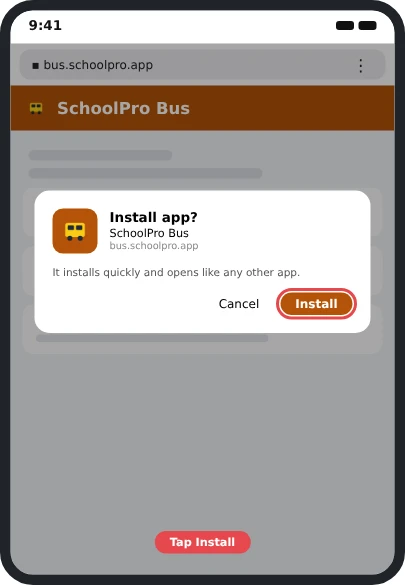
📲 Want it as an app? Install SchoolPro Bus on your phone: step-by-step pictures for iPhone and Android.
🎬 Rather watch? How-to videos for every topic, or tap ▶ Watch the video under a heading.
What SchoolPro Bus is
SchoolPro Bus is a free site for school bus and transportation companies. You build morning and afternoon routes, drivers mark each child on and off from a phone, and parents are told right away.
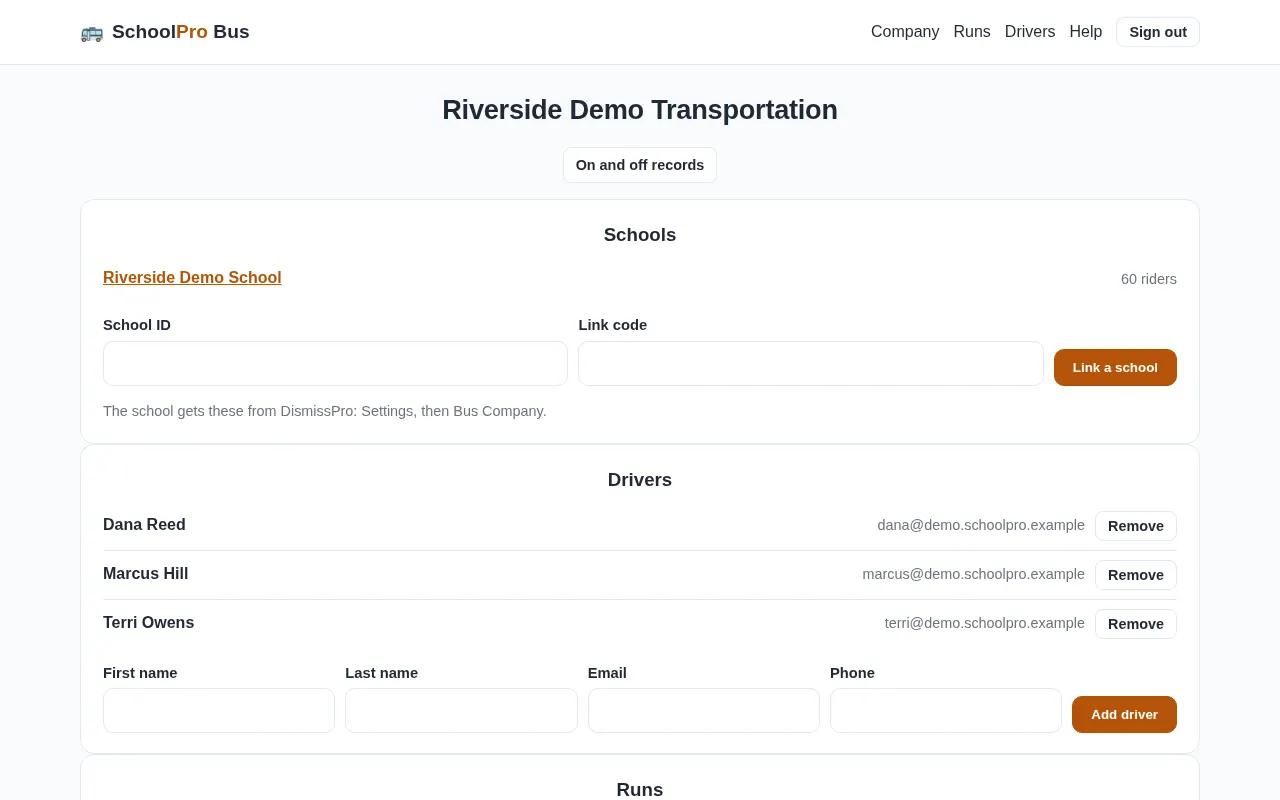
Sign up your company
▶ Watch the video · 0:39
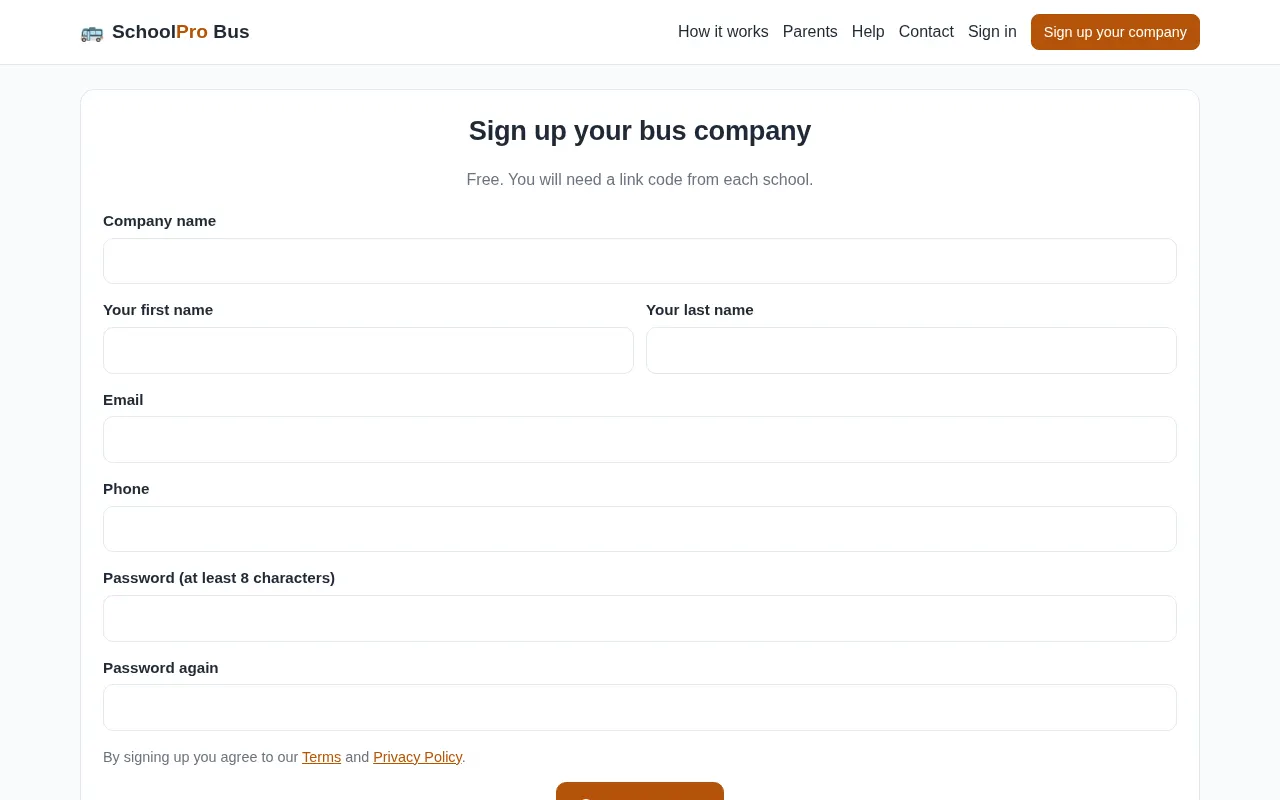
- Go to Sign up your company.
- Enter your company name, your name, email and a password.
- You land on your Company page, ready to link a school.
Signing in and passwords
- Go to Sign in and enter your email and password.
- Forgot it? Tap Forgot your password? and we email you a link.
Put the app on a phone
▶ Watch the video · 0:33
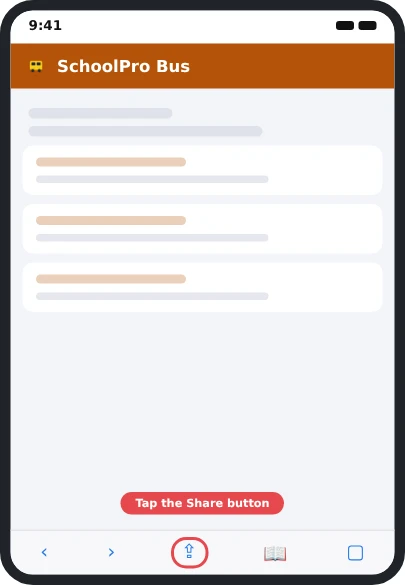
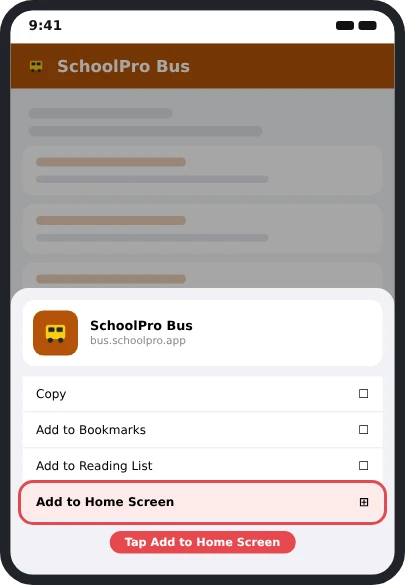
SchoolPro Bus works like an app on a phone, with its own icon. There is nothing to buy and no app store.
📲 See every step with pictures
Link a school
▶ Watch the video · 0:34
Your riders come from the school's DismissPro roster, so the school has to agree first.
- Ask the school to open DismissPro, go to Settings, then Bus Company, and turn on the link.
- They give you a School ID and a link code.
- On your Company page, enter them under Schools and tap Link a school.
- Your bus riders appear, grouped by bus.
Add your drivers
▶ Watch the video · 0:31
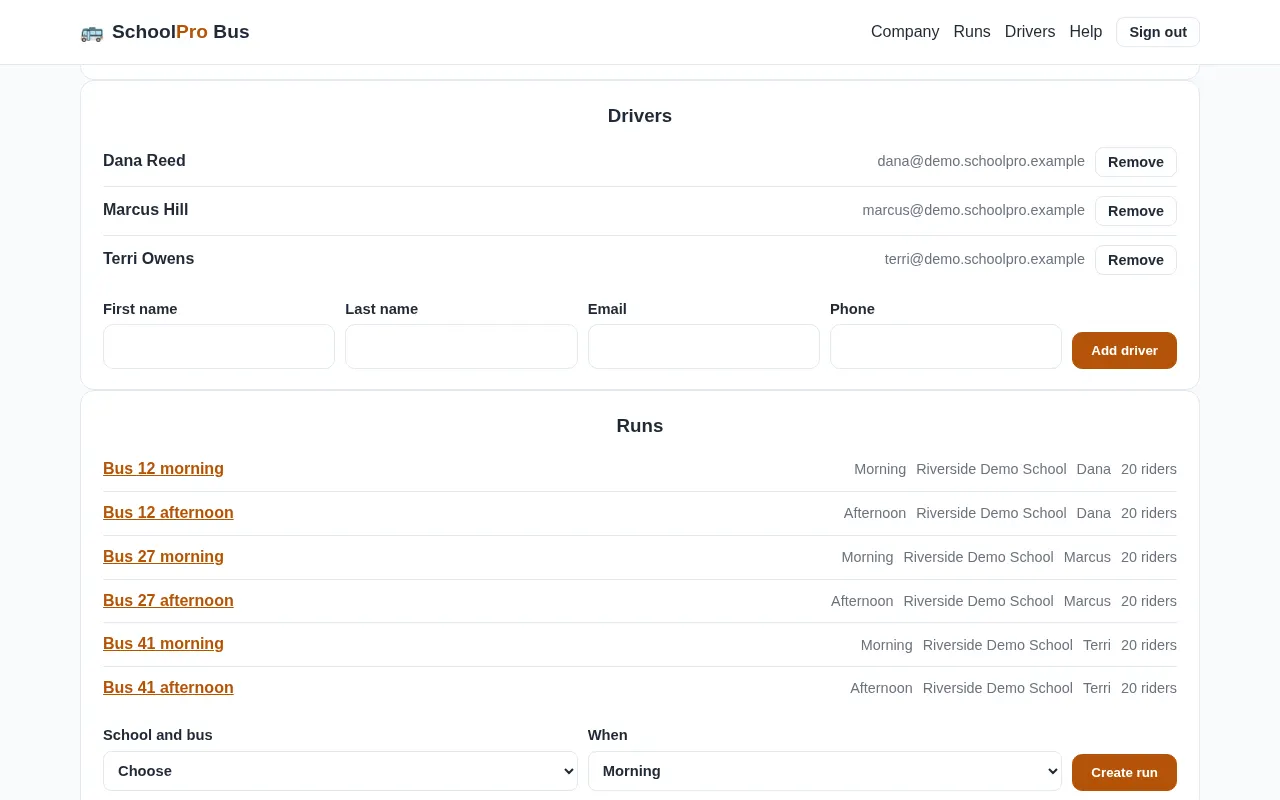
- On your Company page, go to Drivers.
- Enter the driver’s name and email and tap Add driver.
- They get an email to set a password.
Build runs, stops and students
▶ Watch the video · 0:43
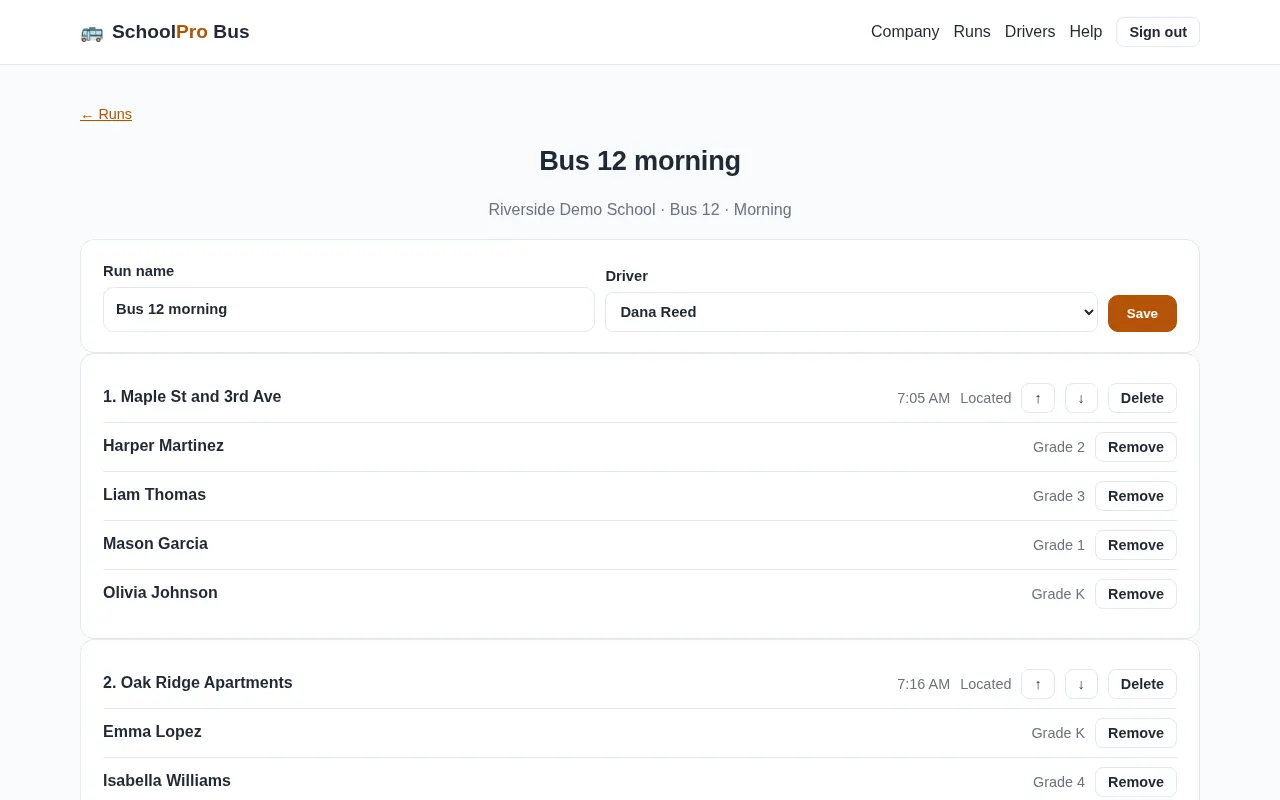
- Under Runs, create a morning and an afternoon run for each bus.
- Open a run and choose its driver.
- Add the stops in order, with a planned time for each.
- Under each stop, tap Add students and tick the children who get on or off there.
Family letters
▶ Watch the video · 0:30
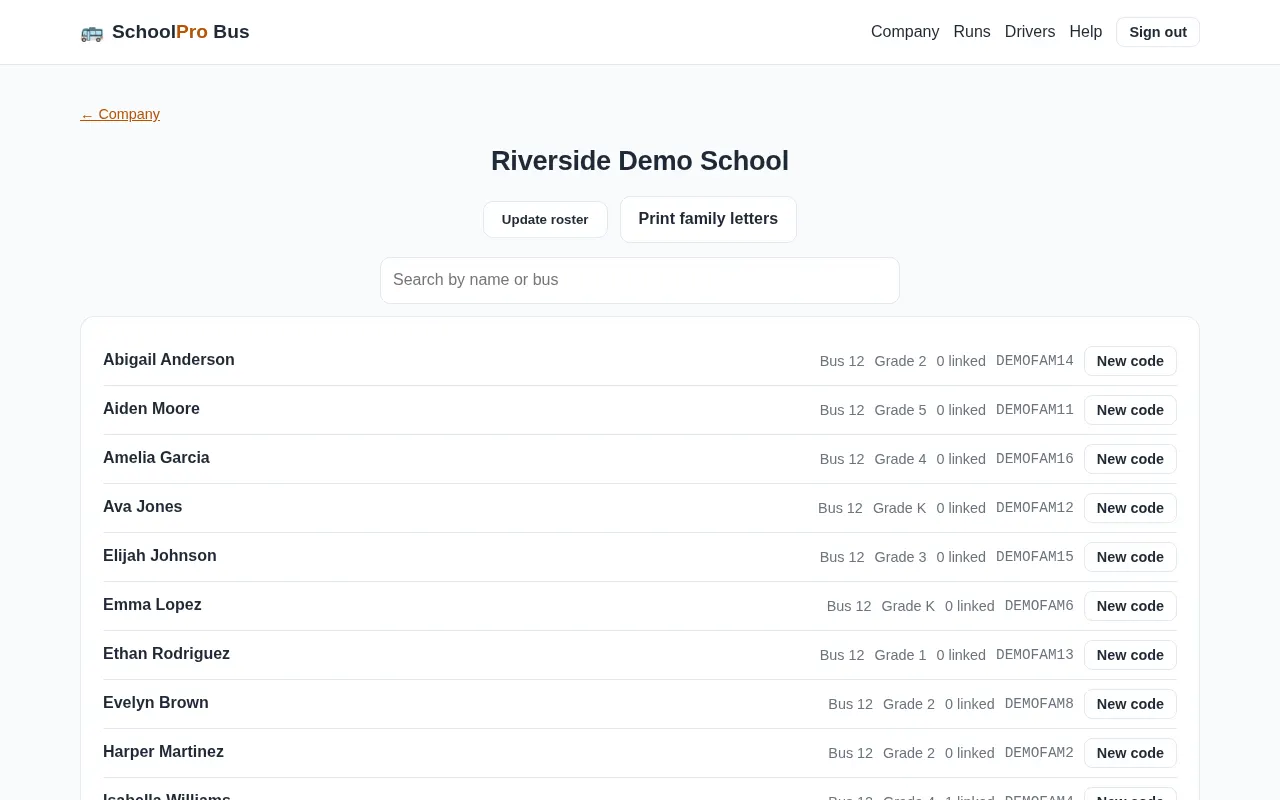
Each family needs its own code to follow a child in SchoolPro Rides.
- Open your school from the Company page.
- Tap Print family letters.
- Send them home with the students, or give them to the school to send.
On and off records
▶ Watch the video · 0:32
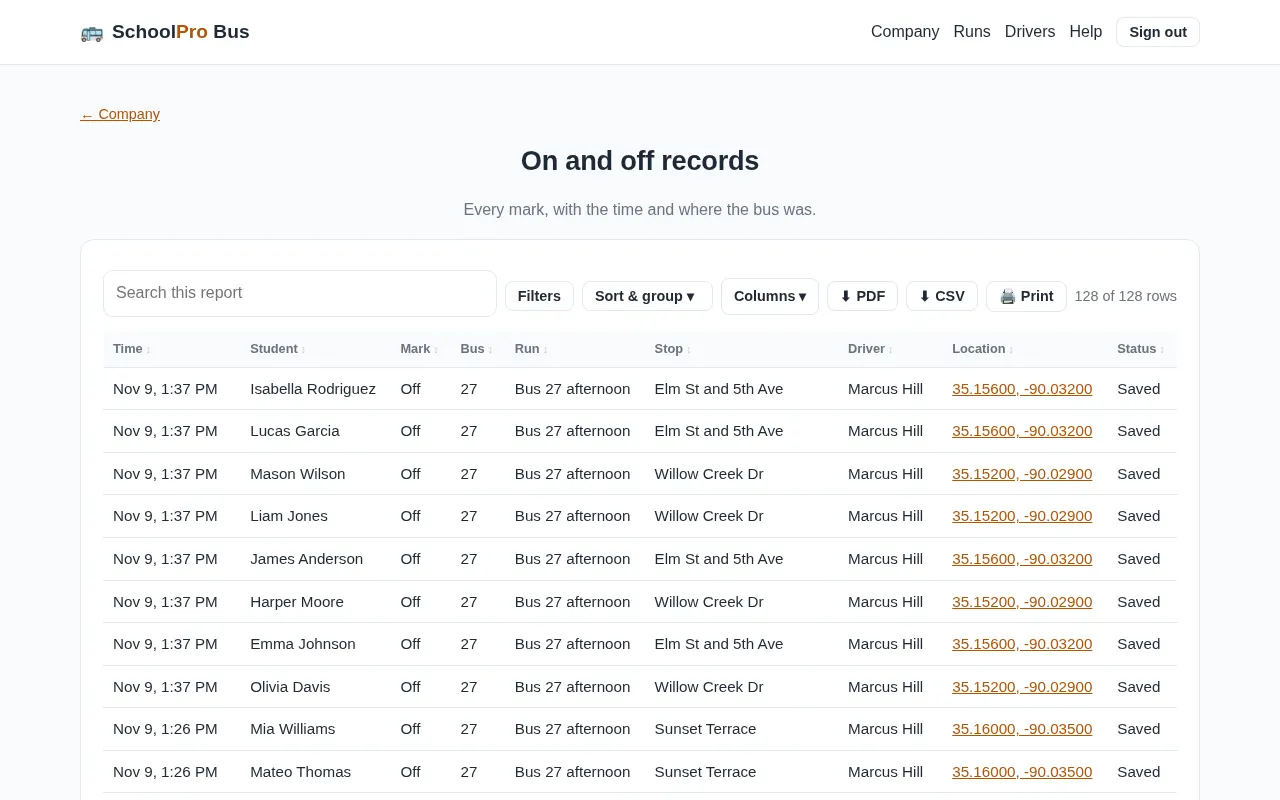
On and off records lists every mark with the time and where the bus was. Records are kept for 12 months.
Changes from the school
When a driver starts a run, the latest roster comes from DismissPro.
- Sub bus today: if the school moves a bus to a replacement in DismissPro, the run shows the replacement bus for that day.
- A different ride today: a student with a one-day change is tagged on the driver’s list.
- Update roster: open your school and tap it any time to pull the latest list.
Start your run
▶ Watch the video · 0:37
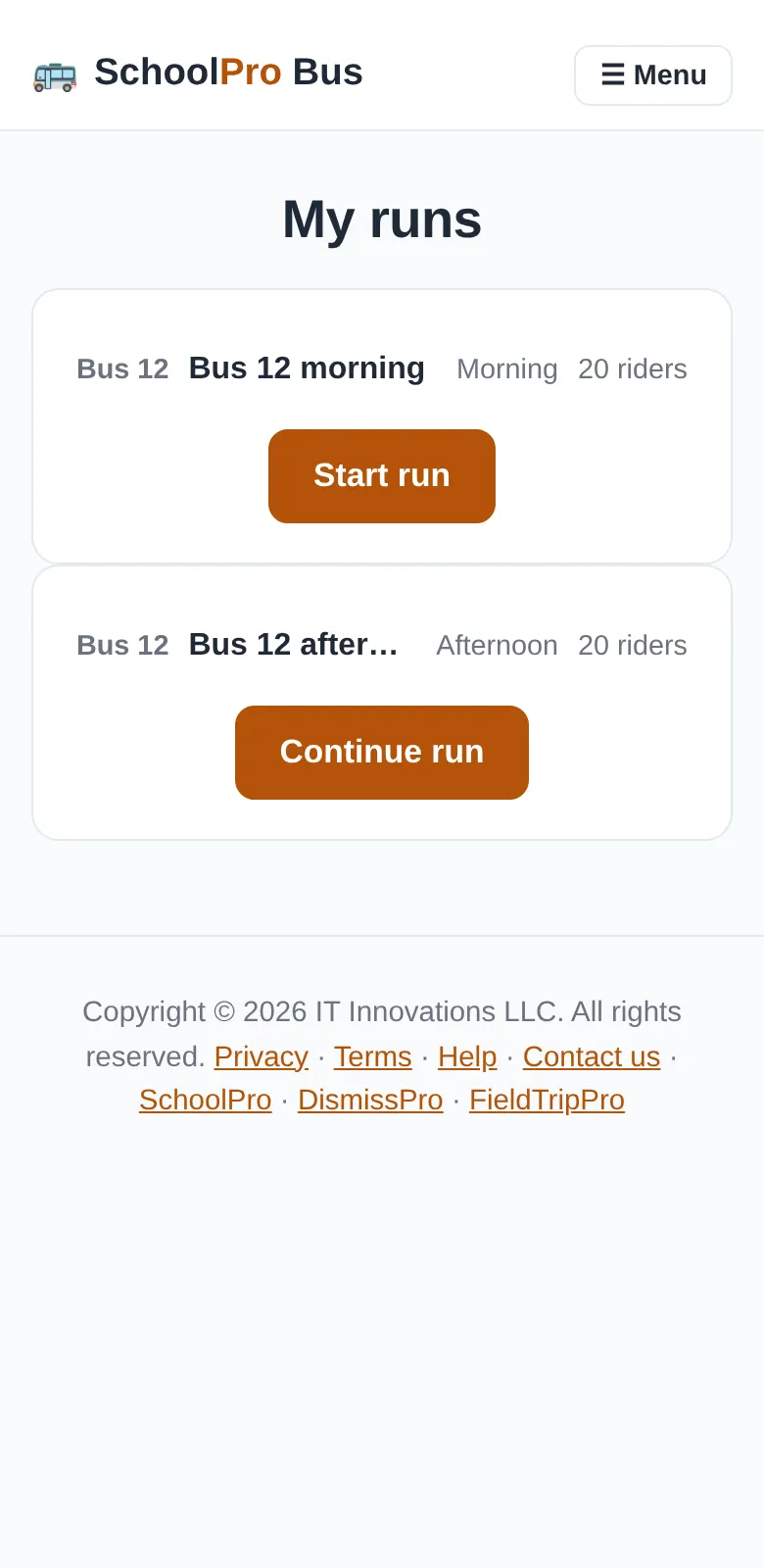
- Open the app and go to My runs.
- Tap Start run and allow your location.
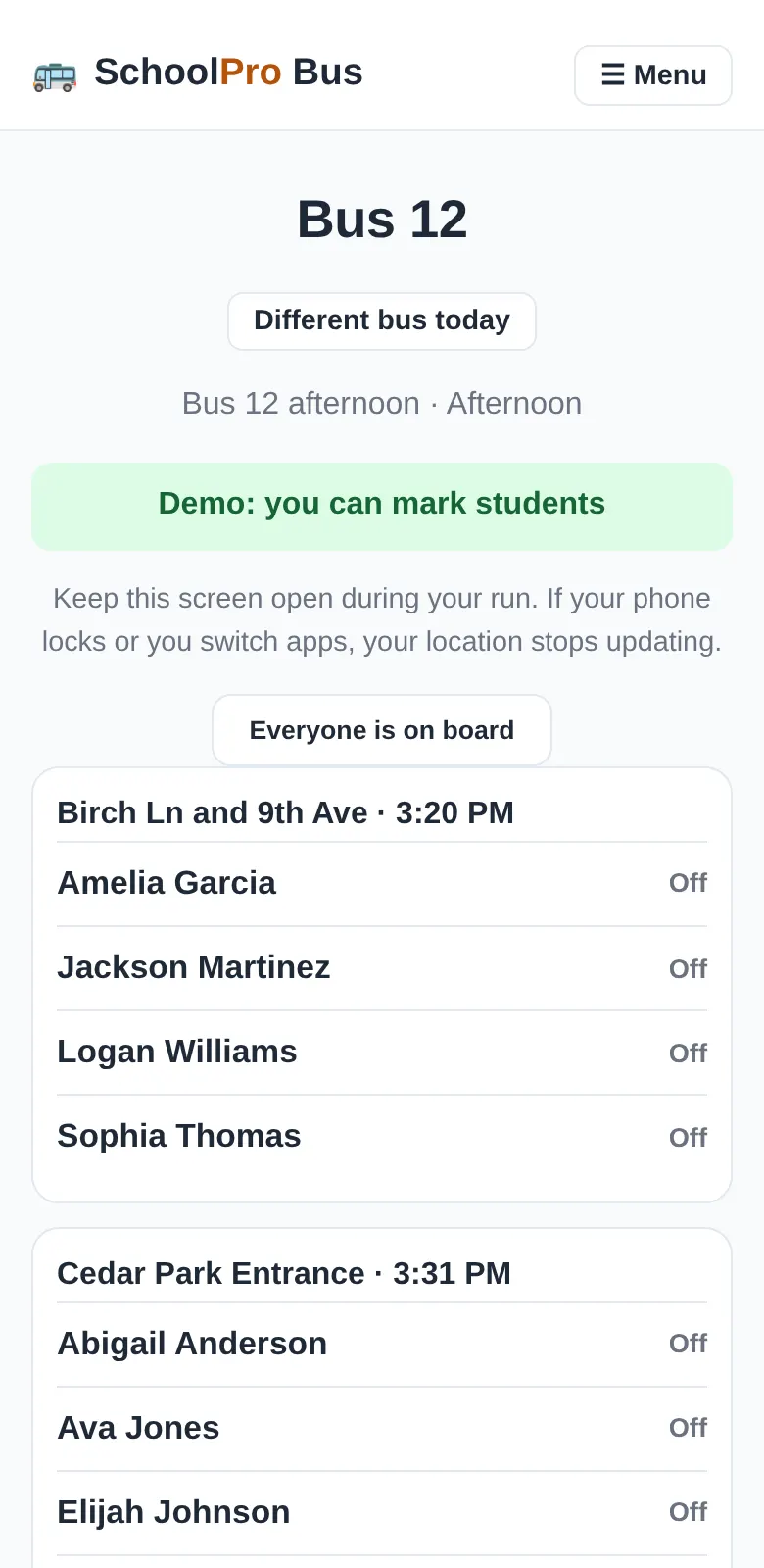
- Your students are listed by stop.
Mark students on and off
▶ Watch the video · 0:40
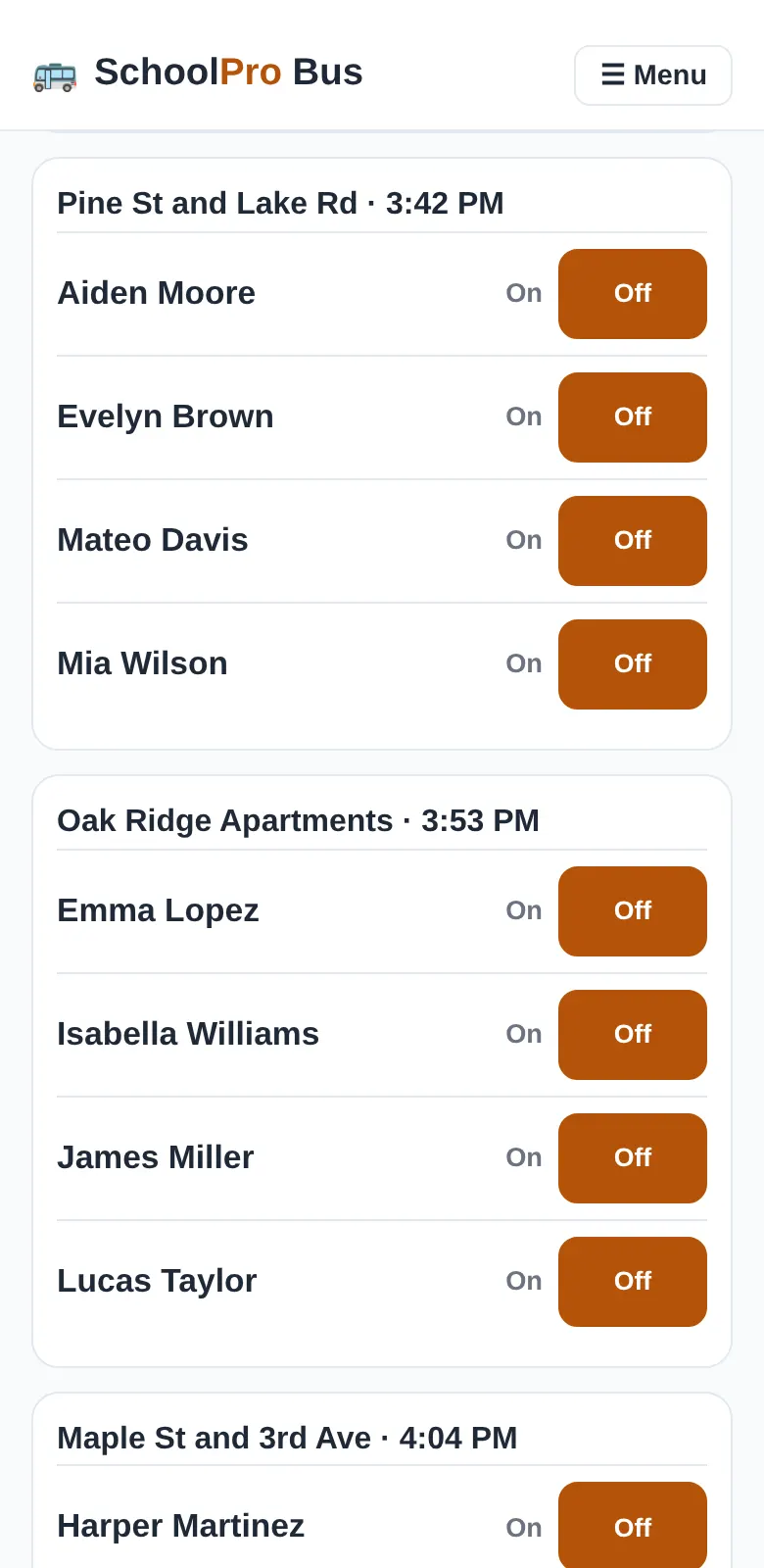
- Stop the bus. Marking is blocked while the bus is moving.
- Tap On or Off beside the student.
- The time and the bus’s location are saved with the mark.
Undo a mistake
▶ Watch the video · 0:38
Tapped the wrong student? Tap Undo beside their name within 10 minutes. The mark is removed, and if a parent was already told, they get a correction.
When there is no signal
Keep tapping. Each mark is saved on your phone and shown right away, then sent with its real time as soon as the signal comes back. Don’t end the run until the waiting marks have gone through.
Driving a different bus today
▶ Watch the video · 0:33
Tap Different bus today at the top of your run and type the bus number. It only lasts for that run, and parents see the bus you’re really on. Leave it empty to go back to your usual bus.
End your run
▶ Watch the video · 0:40
- When the bus is empty, scroll down and tap End run.
- If anyone is still marked on, you see their names. Check the bus.
- If you end the run anyway, your office gets an email with those names.
What parents see
Parents use SchoolPro Rides. They see only their own child: when the child got on or off, the time, the stop and an estimated arrival. There is no map and no other children.
Contact support
Email support@schoolpro.app or use the contact form. Please tell us your company or school and what you were trying to do.